

Which one do I need?
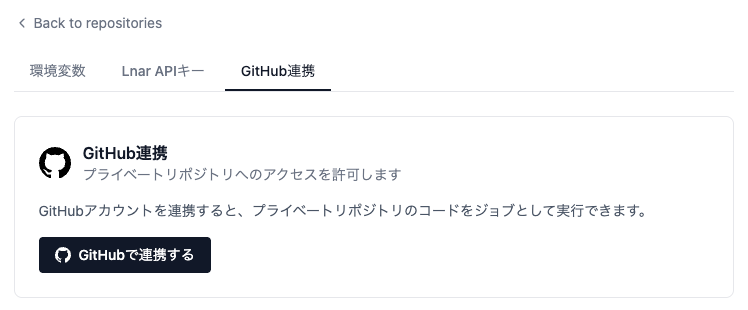
Both are set up in the Dashboard under Settings → GitHub Integration (GitHub連携).
Install the Seyval App
Required for every private repository, and for push / pull request webhooks.- In Settings → GitHub Integration, click Install Seyval App.
- Choose the account or organization that owns the repository.
- Choose which repositories the installation covers. A repository left out of that selection stays invisible to Seyval even though the App is installed on the account.
Connect your GitHub account
- In Settings → GitHub Integration, click Connect GitHub (GitHub連携をする).
- Review the permissions on GitHub’s authorization page and click Authorize.
”Repository not found” when registering a private repository
GitHub answers “does not exist” and “you are not allowed to see it” with the same 404, so Seyval cannot tell them apart. If the URL is correct, the cause is one of:- the Seyval App is not installed on the account that owns the repository, or
- the repository is not included in that installation’s repository selection.